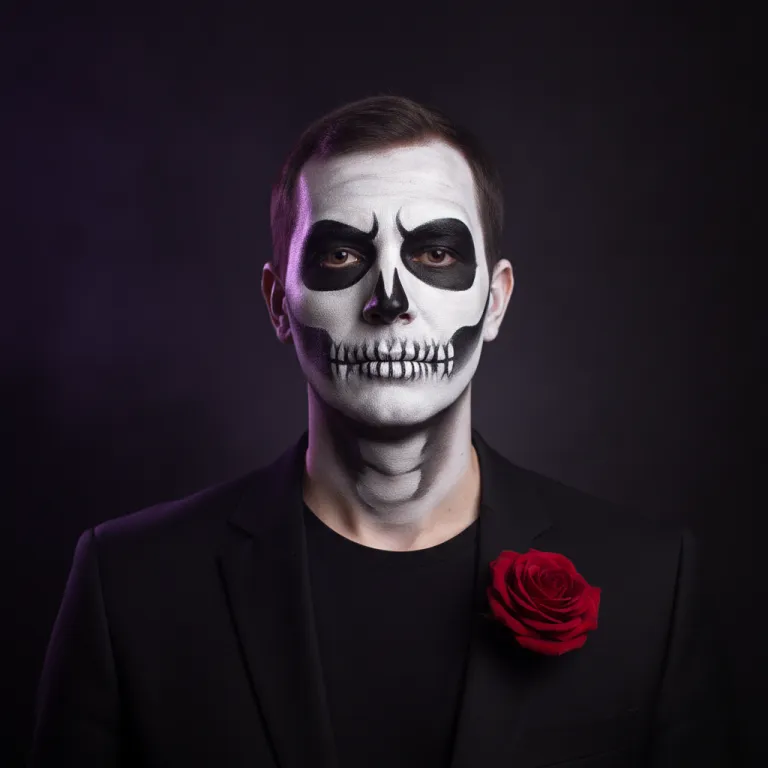

More than a face sticker
This Halloween filter does more than add ears or a frame. It redraws the costume, makeup, hair and background around your real face, so the result looks like a real Halloween portrait.
1. Upload a photo
2. Choose a look
Clean bone-white face paint and a black suit.
3. Try it on
Upload a photo first.
Five filter styles for a single portrait. Each Halloween filter keeps your face and changes everything around it.
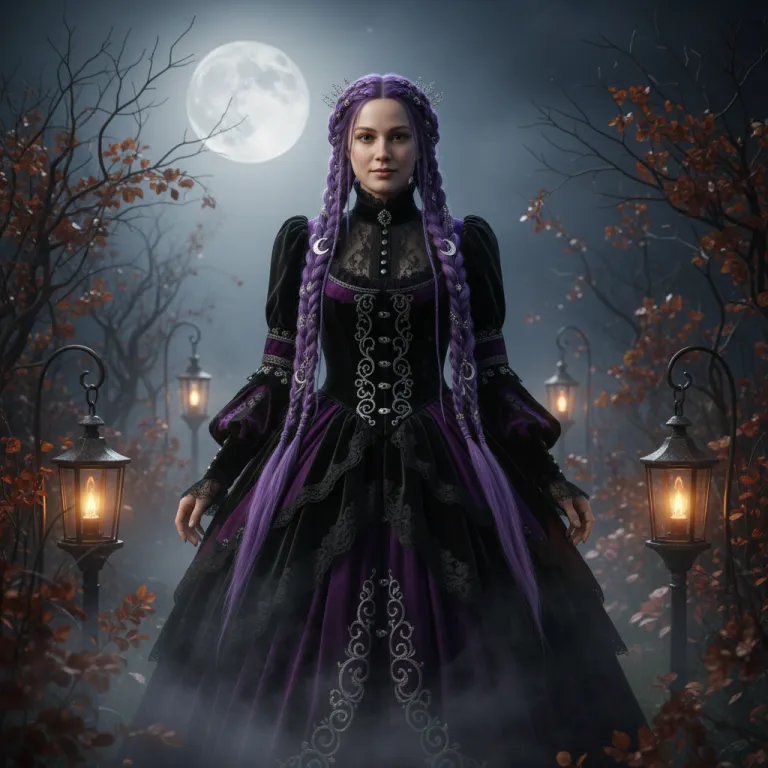

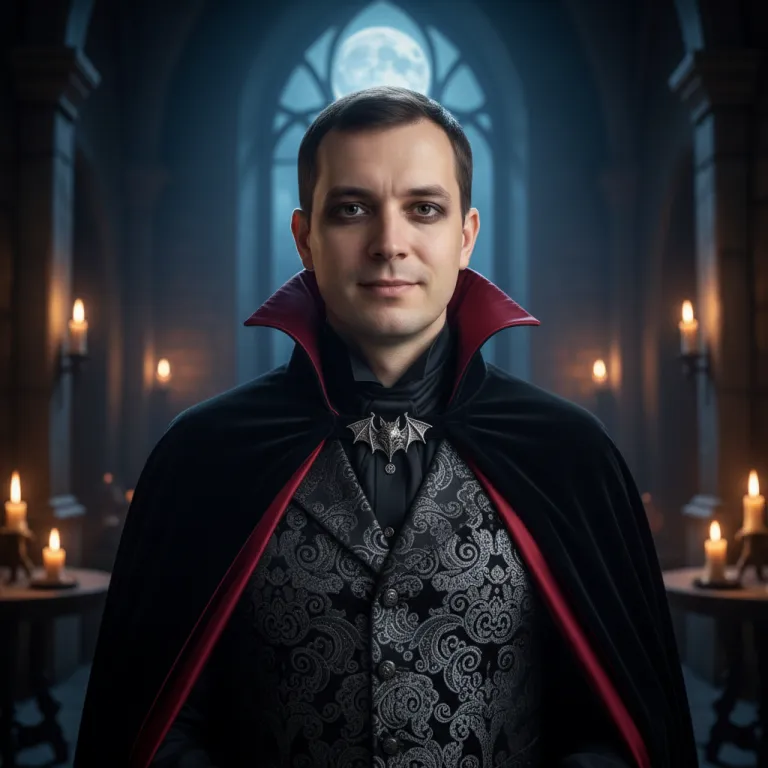
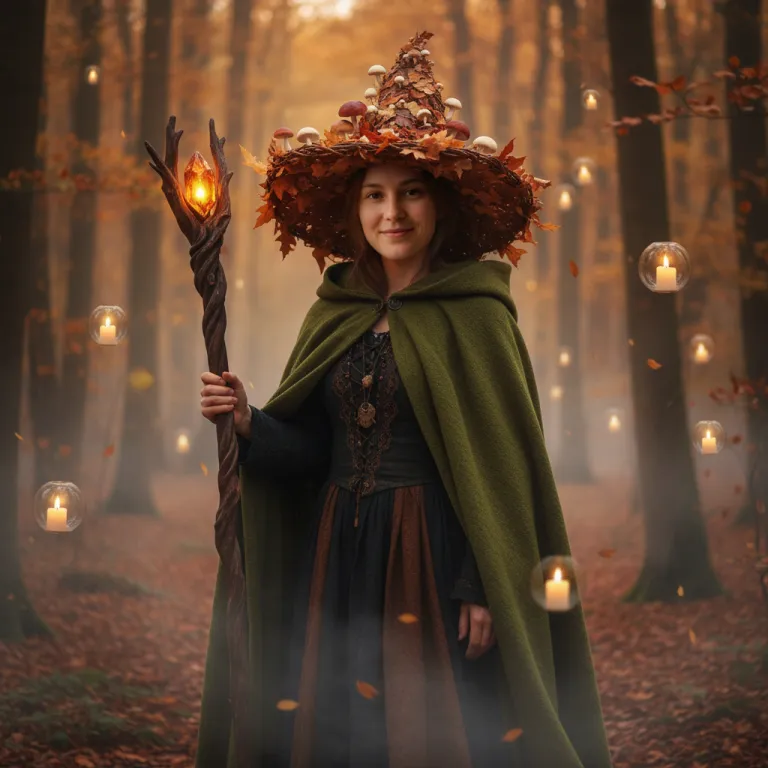

Selfie
A fuzzy pastel unicorn suit with a spooky twist.
Use a clear, well-lit photo where faces (or your pet) fill a good part of the frame.
Pick a Halloween filter style. Skeleton makeup is a good first try because it works on almost any portrait.
Your image is ready in about 20 seconds. Save it, share it, or try another look.
A camera Halloween filter tracks your face and lays a mask on top. This one works on a photo you already have, which means better light, more detail and a background that matches the costume.
Window light from the front gives the filter clean detail to work with.
Crop so your face is large. Tiny faces in wide shots lose likeness.
Upload the original, not a beautified or heavily edited copy.
Makeup looks and full costumes suit different faces, so compare a couple.
Every new account gets 1 free look after signing in with Google. After that, packs start at $9.90 for 10 looks, with no subscription.
A camera filter overlays a mask on live video. This Halloween filter rebuilds the costume, makeup and background in a still photo, so it looks like a styled portrait.
Yes. Upload a photo with two people and pick a couple look such as Moon & Star from the main gallery.
Yes. Pets have their own looks, like a pumpkin hat or a tiny witch cape, on the dog Halloween costume ideas page.
Each look is told to keep your facial features, skin tone and age. Clear, front-lit photos keep the likeness best.
It is only used to make your image. Results stay in your account for 30 days and are then deleted.